
Quick Answer
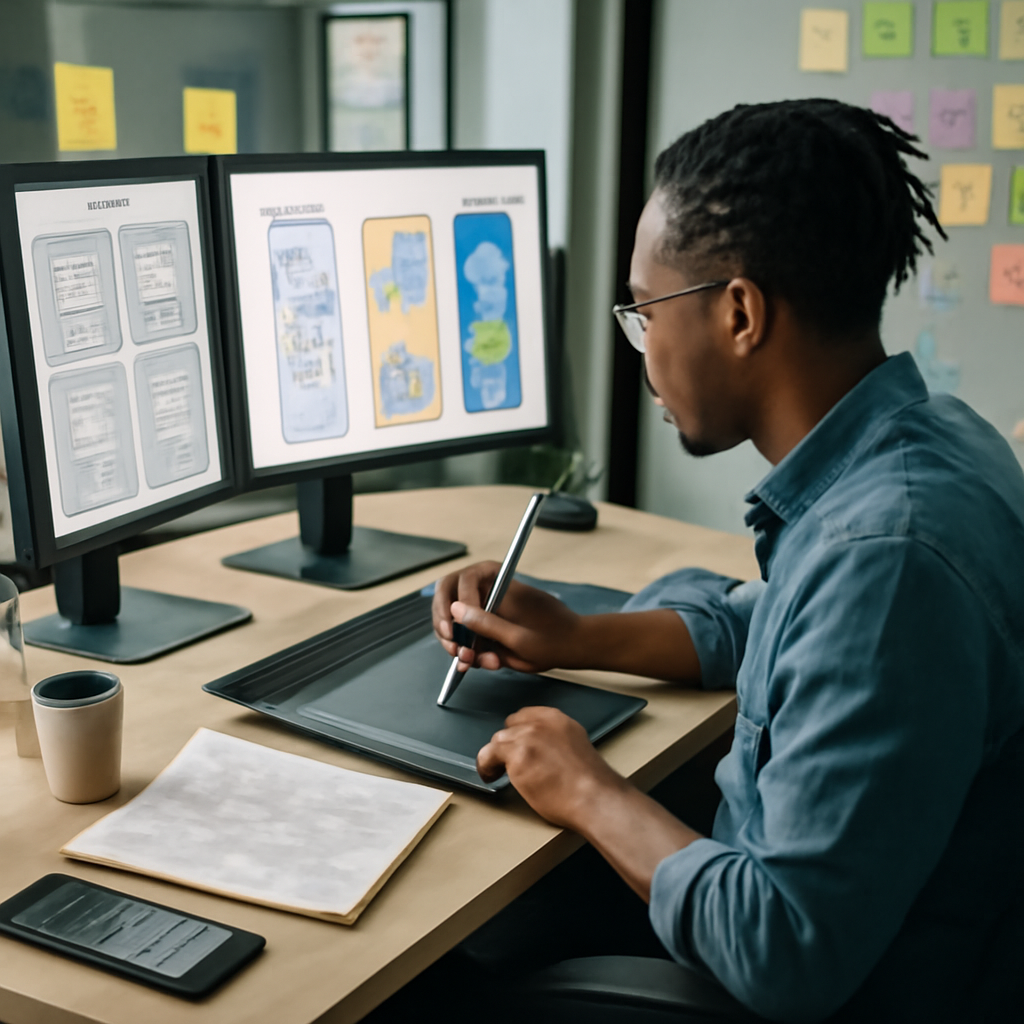
A day in the life of a UI UX Designer at an enterprise cloud company typically involves collaborating with product managers, engineering teams, and users to create and refine digital interfaces. The workday is a blend of design reviews, user research, prototype iterations, and constant alignment with various stakeholders.
Typical Workday
A UI UX Designer's workday usually starts with a team standup or daily sync, where priorities are discussed and blockers are identified. Much of the morning is dedicated to reviewing ongoing design tasks, such as wireframes or high-fidelity mockups in tools like Figma or Sketch. Designers often have back-to-back meetings with developers, product managers, or QA to gather feedback and ensure everyone is on the same page about user requirements.
Afternoons are often spent deep working on design deliverables—refining workflows, updating internal design system libraries, and preparing prototypes for usability testing. Many enterprise settings, such as Salesforce in Chennai, require designers to frequently switch between multiple projects due to rapid requirement changes from the agile product environment and feedback from stakeholder groups.
User interviews or remote usability tests may happen once or twice a week, often scheduled in the latter half of the day to match user availability across time zones. Documentation, preparing for tomorrow's design review, and design handoff to developers round out the day.
Related roles: Product Designer, UX Researcher, Interaction Designer
Entity bridge: Daily work connects directly to design handoff practices, portfolio quality, and informs how to talk about work in interviews.
---
TheEndorse Insight:
TheEndorse Skill Gap Framework: Enterprise employers expect evidence of handling complex workflows—not just visually pleasing screens. If your daily work lacks exposure to requirements prioritisation, design systems, or admin-heavy features, consider seeking projects or mentorships that fill these gaps.---
Daily Responsibilities
The main daily responsibilities for a UI UX Designer revolve around understanding user needs, designing solutions, collecting feedback, and iterating rapidly.
Key responsibilities include:
- Conducting or analysing user interviews to refine product requirements.
- Creating wireframes, interaction flows, and prototypes.
- Reviewing and updating design documentation to ensure designs are developer-ready.
- Maintaining and utilising design system components for consistency across products.
- Collaborating with developers to clarify design intent and resolve edge cases.
- Preparing and running usability tests to gather actionable feedback.
- Interacting with stakeholders to prioritise design tasks and respond to business changes.
- Aligning design with rapidly changing business needs.
- Getting buy-in on user-centric solutions amidst many stakeholders.
- Maintaining consistency across extensive design systems.
- Working with legacy software or technical debt constraints.
- Balancing design innovation with accessibility and compliance.
- Seeing your work shape enterprise workflows used by thousands.
- Frequent learning from working with diverse teams: PMs, developers, QA, users.
- Development of deep problem-solving and stakeholder management skills.
- Opportunities for rapid career growth—roles can advance to Senior Designer, UX Lead, Product Designer, or Design Manager.
Industry reality:
In enterprise SaaS, UI UX Designers must balance usability and complexity—enterprise users often have high expectations and rely on the product for critical workflows, so clarifying ambiguous requirements and defending user-centric decisions is key.
Common interview topics:
Designers are expected to explain decision-making processes, demonstrate knowledge of usability best practices, and describe their experience with agile environments and design handoffs.
---
Recruiter Reality:
Recruiters and hiring managers strongly favour candidates whose portfolios and daily experience demonstrate close collaboration with cross-functional teams and enterprise-scale product design. Projects that show you worked with developers, managed feedback loops, and implemented design system elements will stand out in both resumes and interviews.---
Tools Used
UI UX Designers typically use a mix of industry-standard design, prototyping, and collaboration tools throughout a workday.
Common tools include:
| Tool | Purpose |
|---|---|
| Figma | Interface design, prototyping, design system management |
| Sketch | UI design and prototyping (macOS favoured) |
| Adobe XD | Prototyping, design, and user flows |
| Miro | Remote collaboration, ideation, brainstorming |
| Zeplin | Design handoff, specification sharing |
Collaboration may also include platforms like Jira (for task tracking), Slack or Teams (for communication), and version control systems for design documentation.
Skill entity bridge:
Frequent use of these tools ties directly into skill development, portfolio creation, and hiring outcomes—demonstrating mastery is often a skills section or interview requirement.
Certifications:
Relevant certifications—Google UX Design Certificate, NN/g UX Certification, Adobe Certified Expert, or Salesforce Platform Application Builder—enable designers to stand out, signal formal training, and sometimes meet company-specific criteria.
---
Candidate Mistake Analysis:
Candidates often focus portfolios only on visually appealing, consumer-focused apps, neglecting documentation of process, handoff skills, or accessibility thinking. Employers for enterprise products want to see your Figma files annotated, developer-ready assets, and user flow artifacts.---
Challenges And Rewards
The major challenge for a UI UX Designer in the enterprise space is managing the complexity: legacy systems, business constraints, security, diverse user groups, and shifting priorities in agile environments. Designers must advocate for usability while navigating technical, regulatory, and stakeholder limitations.
Common challenges:
Rewards:
Related entities:
These challenges and rewards directly impact job satisfaction, performance reviews, and even promotion-readiness in many organisations.
---
Industry Reality:
In cloud software, requirements change quickly, and user feedback can drastically shift what’s needed. The ability to respond to change, communicate design decisions, and document for continuity is as valued as creative skills.---
FAQ
1. What does a UI UX Designer at an enterprise product company actually do daily?
A UI UX Designer spends their day conducting user research, creating and refining prototypes, collaborating with multiple teams, and ensuring the final product is both user-friendly and meets business goals.
2. Which skills are most critical for UI UX Designers in enterprise software?
The most critical skills are user research, wireframing, prototyping, interaction design, design system use, and strong collaboration/communication with developers and stakeholders.
3. What tools should I know for UI UX Designer roles at companies like Salesforce?
Figma, Sketch, Adobe XD, Miro, and Zeplin are the most commonly used tools, and fluency in at least one is expected for interviewing and on-the-job success.
4. What are common mistakes in UI UX Designer portfolios for enterprise jobs?
Candidates often focus only on creative visuals instead of explaining their role in team projects, neglecting process documentation, skipping accessibility considerations, and lacking evidence of enterprise or SaaS project experience.
5. Which certifications can help my job prospects as a UI UX Designer?
Relevant certifications include the Google UX Design Certificate, NN/g UX Certification, Adobe Certified Expert (ACE), and Salesforce Platform Application Builder, all of which signal both skills and commitment to the discipline.
---
Related topics: Resume, Interview, Skills, Certifications, Portfolio, Product Designer, Agile Methodology, Figma, Design System, User Research, Career Progression, Stakeholder Management, Design Handoffs.
*For more career advice and frameworks, explore TheEndorse platform’s complete knowledge graph for UI/UX roles in India’s technology sector.*